
3D Scanner Rankings

Best 3D Scanners, Ranked

Sources linked

Last updated

8 3D scanners released since Apr 2024, ranked by public review evidence and BettaScore votes. Filter and sort the full list; we show only the specs and evidence we have on record.

Filter & sort

8 matching products

5 older models released before Apr 2024 not shown.

  1. No. 1

    REVOPOINT MIRACO Plus

    Priced at$2,199

    26 sources · 5 topics

    +107Ranking net score+107 from reviews and discussions0 from votes on BettaScore
    26 sources
    Why it ranks
    Scans and processes on its own touchscreen with no laptop attached, and has captured car interiors, engine blocks and bell housings without spray. Expect a learning curve, and thin parts with deep grooves or dark surfaces can lose detail.
    What people praise
    • Optical zoom picks up more detail on small objects
    • Easier to hold than the Einstar Vega
    • Scans are ready to 3D print from the device
    Common complaints
    • Scans can come out with holes and missing detail
    • Takes time to learn before results come easily

    Select to learn more
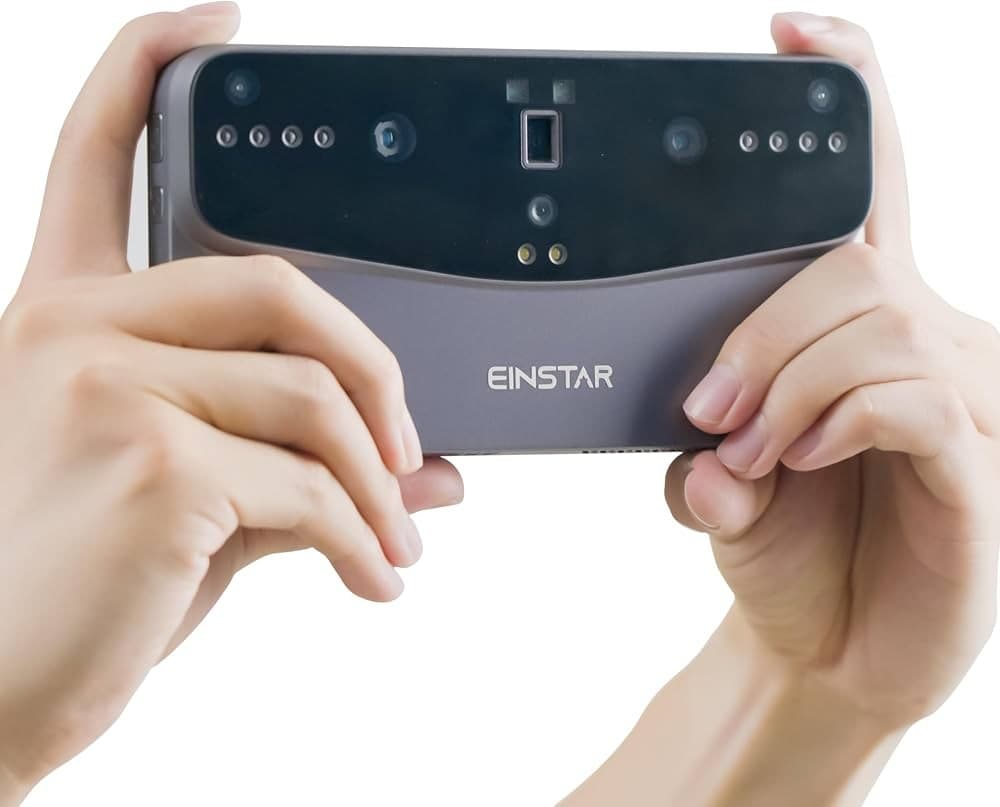
  2. SHINING 3D Einstar Vega
    No. 2

    SHINING 3D Einstar Vega

    Priced at$1,999

    21 sources · 5 topics

    +48Ranking net score+48 from reviews and discussions0 from votes on BettaScore
    21 sources
    Why it ranks
    Quick capture of large and medium objects with good color and sharp small detail, run from a responsive touchscreen. Black, shiny or symmetrical parts can be a struggle, and the HD field of view is tight for mid-size items.
    What people praise
    • Interface is easy for beginners to navigate
    • Rubber grip keeps it steady in the hand
    • HD mode gives clean, crisp scans
    Common complaints
    • A failed internal part can disable HD mode
    • Early firmware took months to become dependable

    Select to learn more

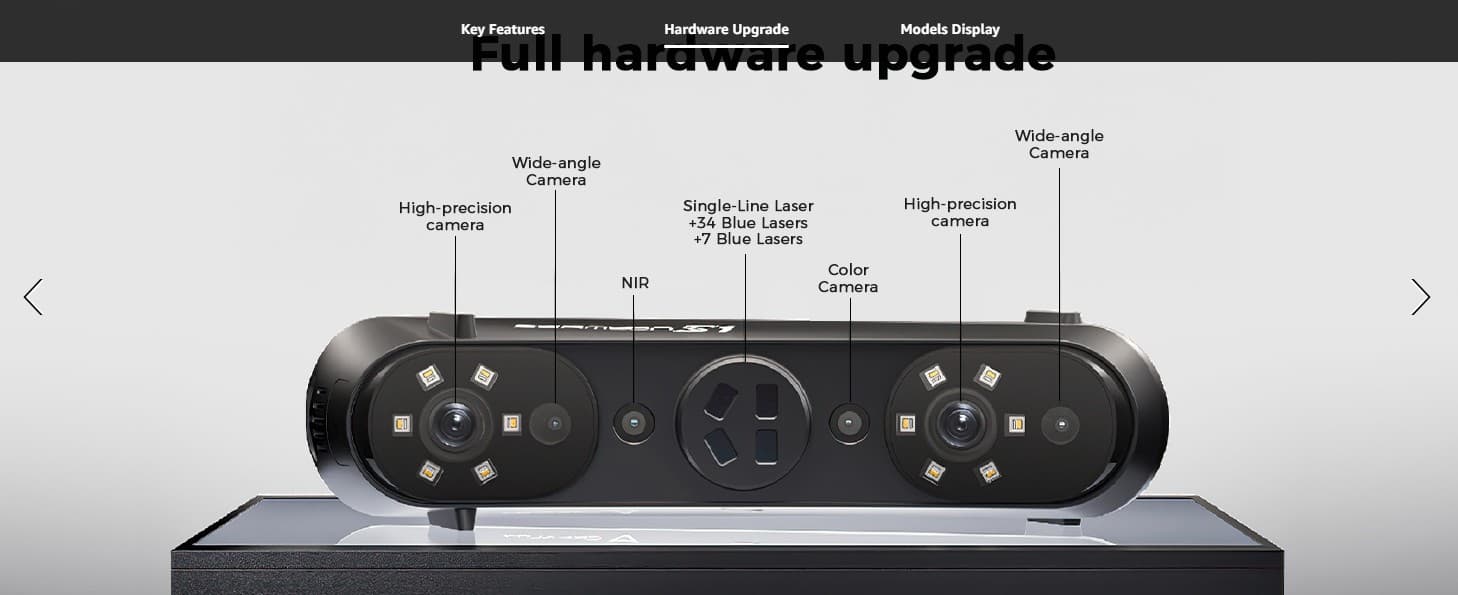
  3. CREALITY Sermoon S1
    No. 3

    CREALITY Sermoon S1

    Priced at$699.80

    22 sources · 4 topics

    +34Ranking net score+34 from reviews and discussions0 from votes on BettaScore
    22 sources
    Why it ranks
    Fast laser capture and a single-line mode that reaches deep into holes set it apart for mechanical parts. Floating artifacts, striping and gaps on black or reflective surfaces can appear, and high-resolution scans may lag or crash.
    What people praise
    • Reaches target resolution about three times faster
    • Merges separate scans automatically by shape
    • Removes tracking markers cleanly from the mesh
    Common complaints
    • Floating artifacts can be hard to clean up
    • Thick cable makes handheld scanning awkward

    Select to learn more

  4. No. 4

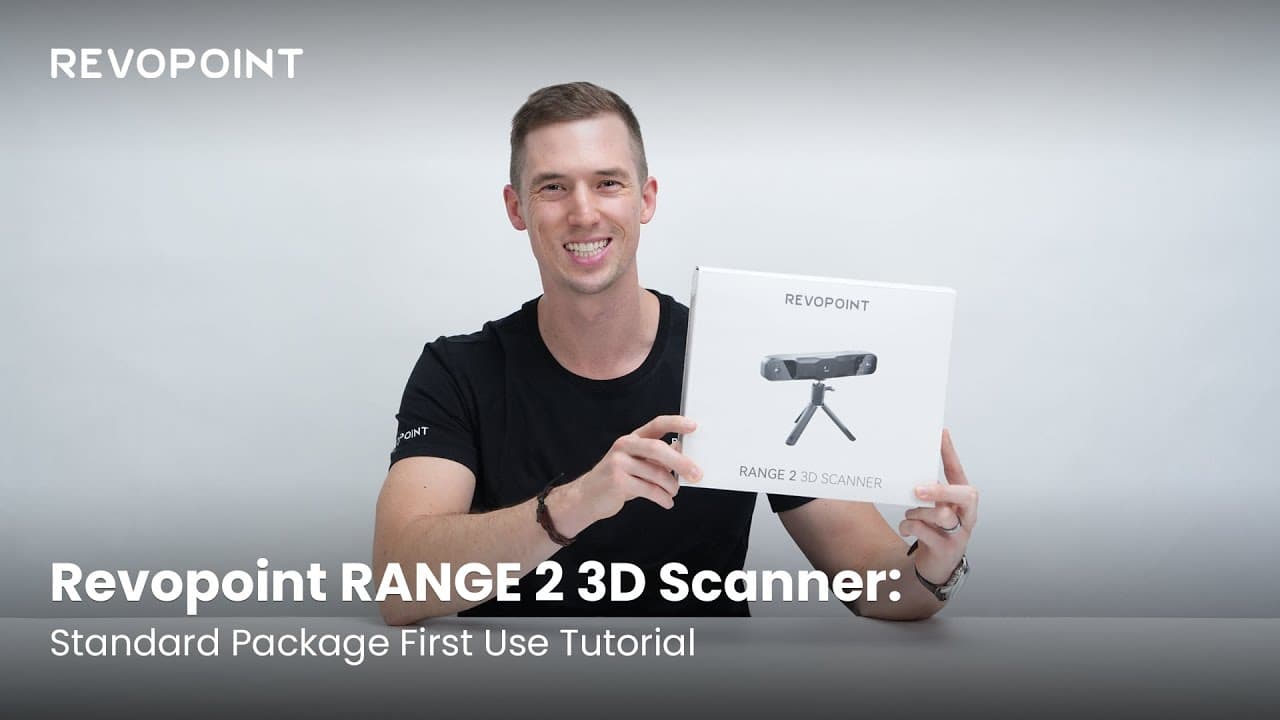
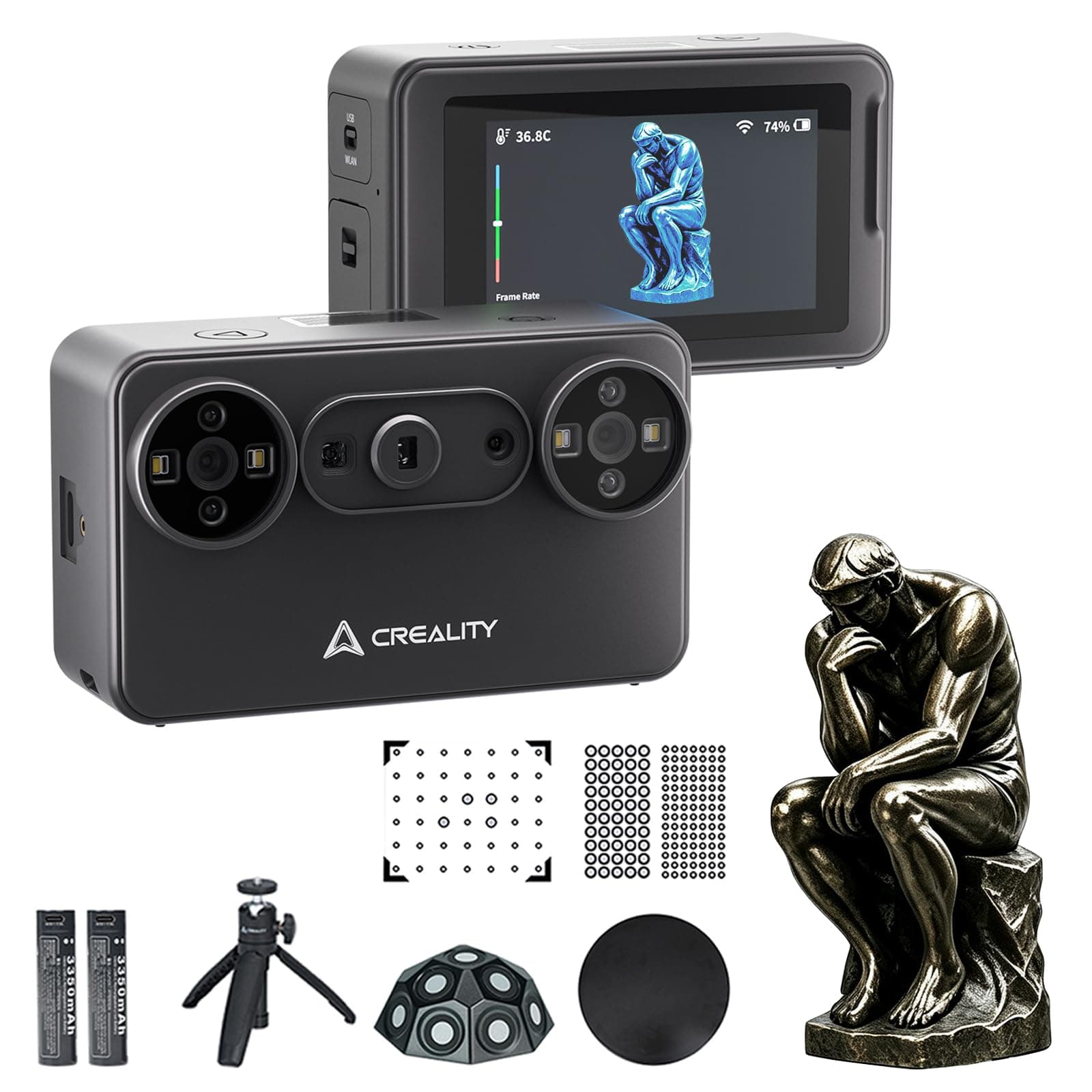
    REVOPOINT RANGE 2

    Priced at$779

    6 sources · 3 topics

    +25Ranking net score+25 from reviews and discussions0 from votes on BettaScore
    6 sources
    Why it ranks
    A wider scan area and steadier tracking make large objects such as a full person or a car quicker to capture, with few lost-tracking errors. Plain white, shiny or transparent surfaces may need tracking dots or scanning spray.
    What people praise
    • Captures fine detail such as clothing folds
    • Feature alignment works well on detailed objects
    • Scans come out clear with accurate color
    Common complaints
    • Transparent objects fail without scanning spray
    • Plain white panels need tracking dots

    Select to learn more

  5. CREALITY CR-Scan Raptor
    No. 5

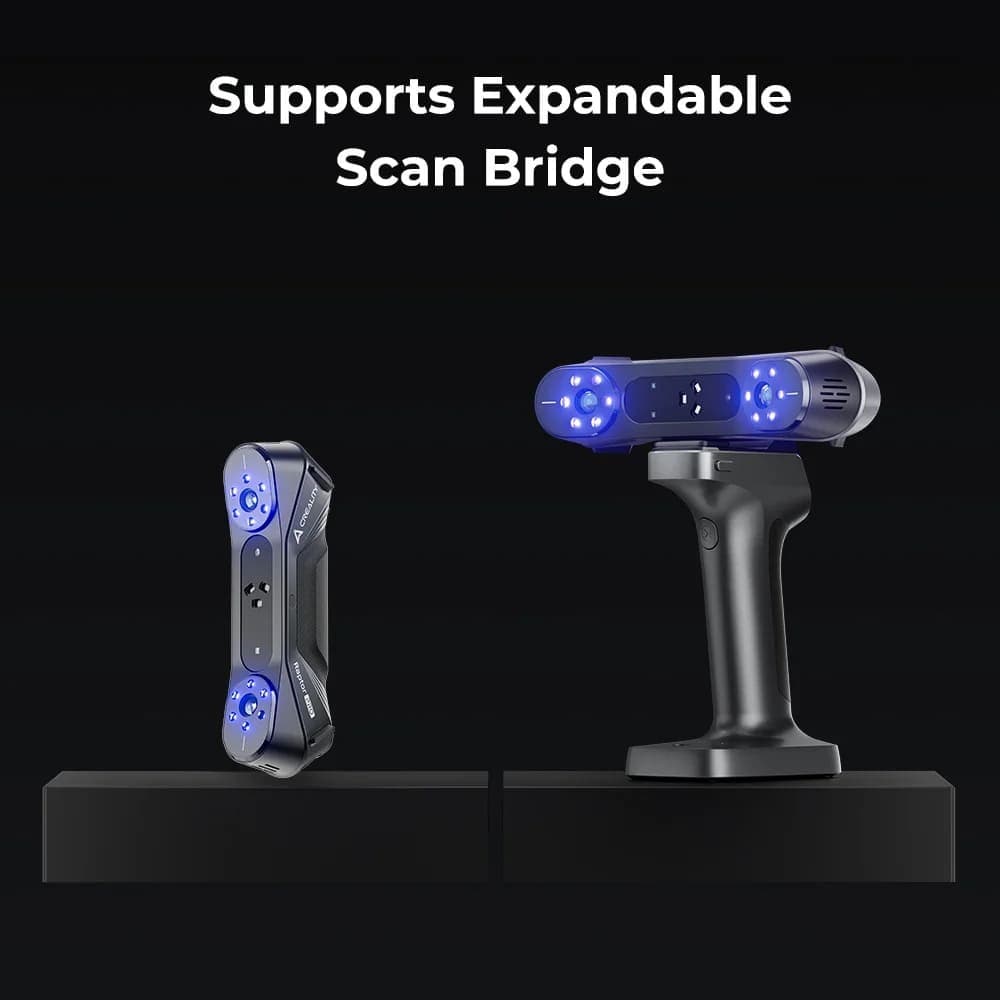
    CREALITY CR-Scan Raptor

    Priced at$879

    6 sources · 5 topics

    +20Ranking net score+20 from reviews and discussions0 from votes on BettaScore
    6 sources
    Why it ranks
    Blue-laser mode captures fine geometry on intricate parts such as circuit boards and engine pieces, while infrared mode scans faces and larger items faster. The software is the weakest part of the package, though still workable.
    What people praise
    • Blue light handles metal and porcelain well
    • Laser detail suits reverse engineering work
    • Infrared mode is quick for faces and bodies
    Common complaints
    • Software lags behind the hardware

    Select to learn more

  6. No. 6

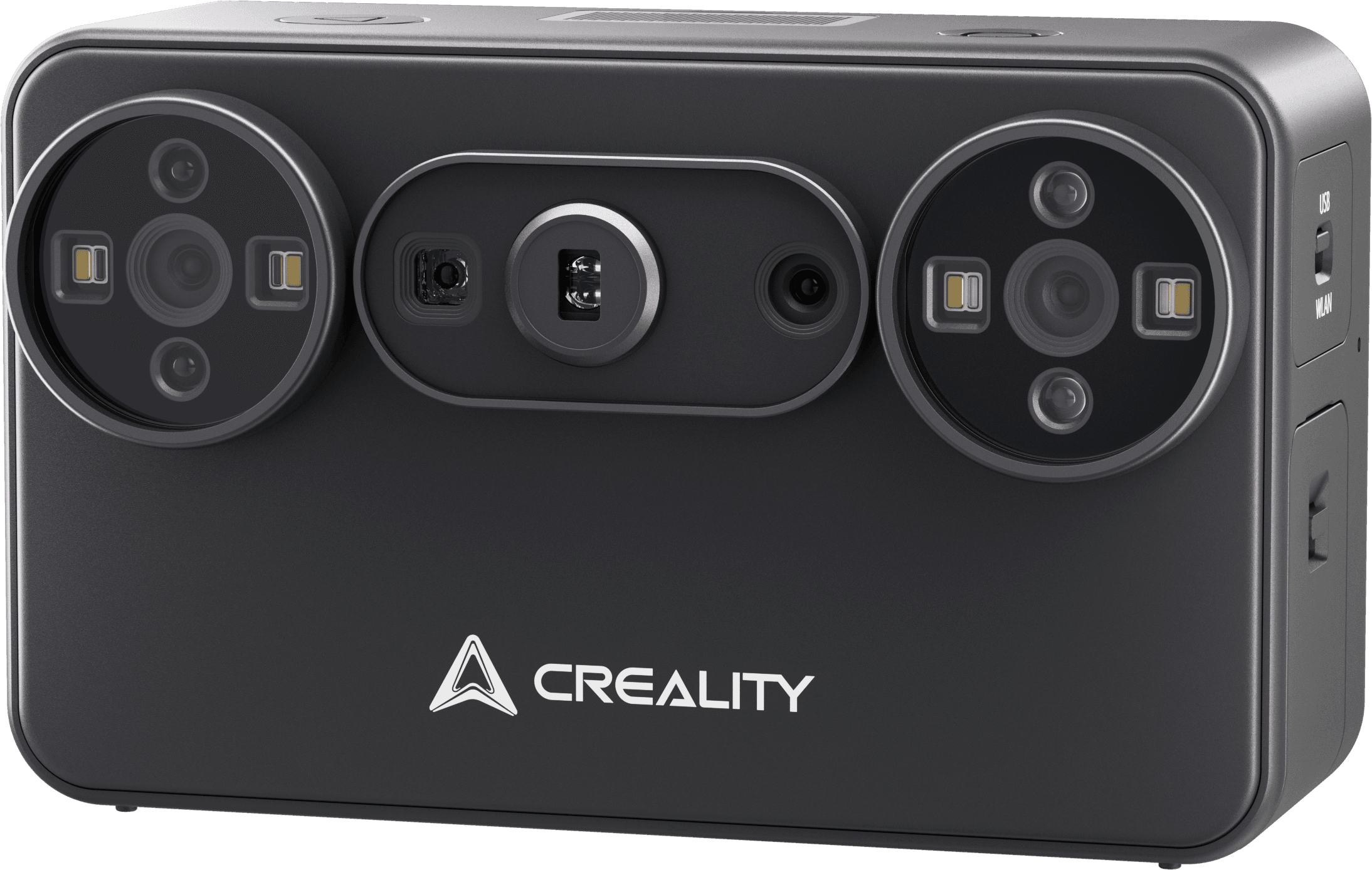
    CREALITY Pika

    Priced at$699

    20 sources · 2 topics

    +13Ranking net score+13 from reviews and discussions0 from votes on BettaScore
    20 sources
    Why it ranks
    Blue-laser and NIR modes produce usable meshes accurate enough to design custom parts and accessories around. Wireless scanning can lag or drop out, and wired use may need a USB-C adapter or a newer PC.
    What people praise
    • Detailed scans in both scanning modes
    • Solid reference scans for part design
    • Battery lasts through several scans
    Common complaints
    • Wi-Fi link can drop after seconds
    • Needs a USB-C port or adapter on PC

    Select to learn more

  7. CREALITY CR-Scan Otter
    No. 7

    CREALITY CR-Scan Otter

    Priced at$719

    14 sources · 5 topics

    +13Ranking net score+13 from reviews and discussions0 from votes on BettaScore
    14 sources
    Why it ranks
    Quick setup and calibration get beginners to detailed, color-accurate scans of textured objects such as figures and faces. Very small parts and flat, featureless sides can lose tracking, and the mesh can drift and deform on some scans.
    What people praise
    • Accurate enough for printed parts that fit
    • Exports straight to STL for 3D printing
    • Handles black and detailed prints well
    Common complaints
    • Struggles with very small items
    • Wireless phone mode is slower than wired

    Select to learn more

  8. No. 8

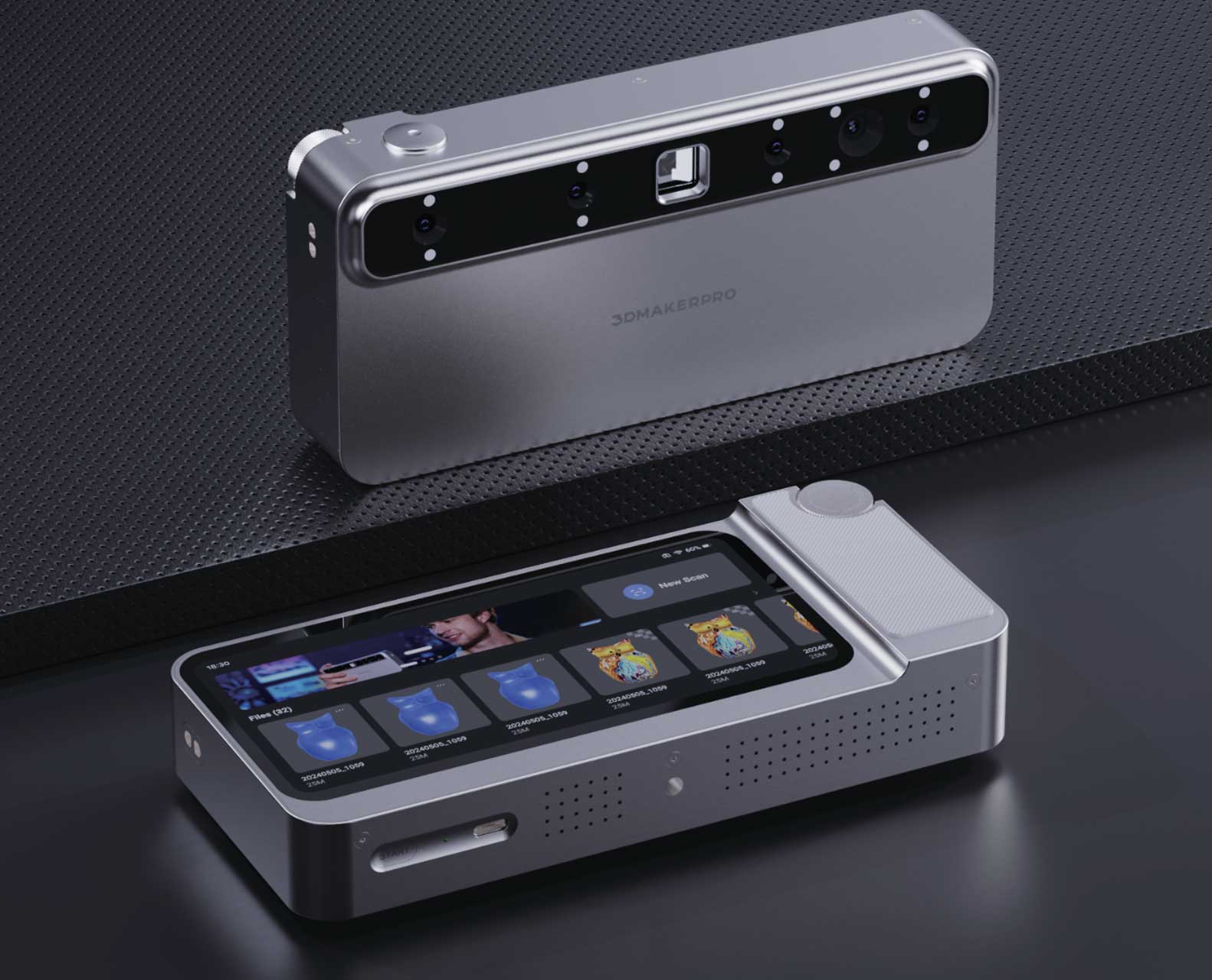
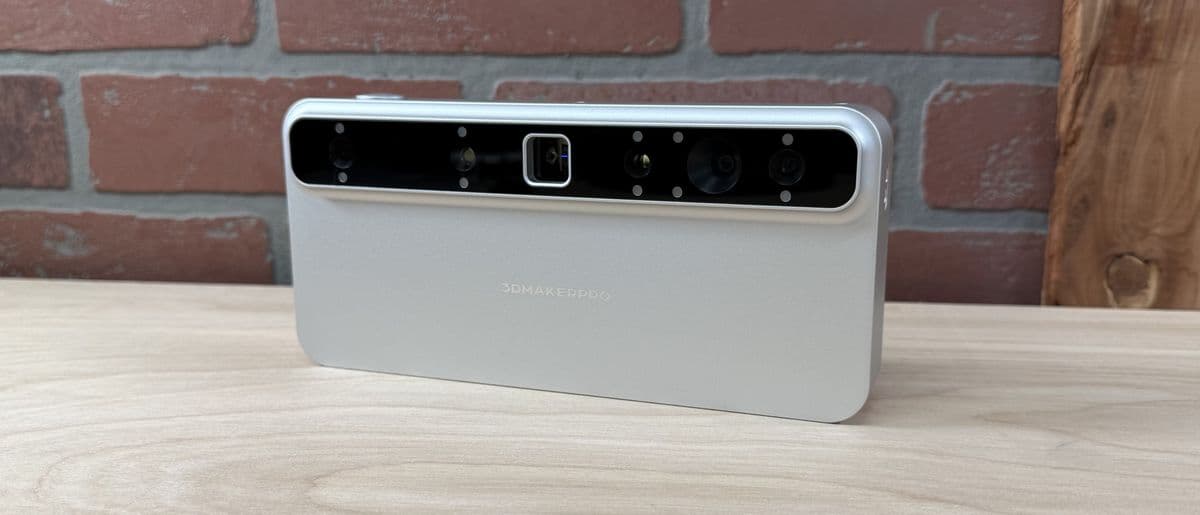
    3DMAKERPRO Toucan

    Priced at$1,299

    10 sources · 4 topics

    +3Ranking net score+3 from reviews and discussions0 from votes on BettaScore
    10 sources
    Why it ranks
    Scanning without a laptop or cables makes the all-metal unit easy to grab and use, and good subjects yield dense, low-noise point clouds. Tracking can drop on small objects, and the JM Studio desktop software may crash when switching projects.
    What people praise
    • Solid metal body with superb finish
    • Dense, low-noise point clouds
    • Quick on-device post-processing
    Common complaints
    • Tracking struggles on small objects
    • JM Studio can crash when switching projects

    Select to learn more

How this list is ranked

Back to top
Who is eligible
Every 3D scanner in our reviewed catalogue is included. The list opens on current models, those released in the last 2½ years (since Apr 2024); choose Include older models under Models to list them too. A product without a release date on record is always listed.
How they are ordered
By default, products are ordered by Ranking Net Score: points from reviews and discussions plus points from votes on BettaScore. Ties go to the product with more sources. Filtering or sorting renumbers the results from No. 1. Products without scored evidence stay Unranked and are not numbered.
Where the evidence comes from
125 public review sources across the matching products. Select a review topic on any card to see the quotes behind its points.
When it changes
The product list and review scores change only when we publish a reviewed update. Signed-in visitors can vote on each review topic (open a topic on a card): every vote adds or takes 0.1 points from that topic and from the Ranking Net Score straight away, and the order follows on the next page load. Votes are stored apart from review evidence, so they carry over between updates. Review evidence is from October 7, 2026.
Who pays for it
Nobody. BettaScore does not accept payment for placement. Each card shows review points and topic-vote points separately, even though their sum sets the default order.

What to look for in a 3D scanner

Back to top

Start with what you will scan: small detailed parts, people, or car-sized objects call for different accuracy, field of view and tracking.

Then compare what the evidence says about accuracy and detail, dark and shiny surfaces, tracking with or without markers, scanning speed, and the software that turns scans into usable models.

Questions to take to every card on this page

  • Is it accurate enough for your parts?
  • Does it cope with dark, shiny or deep surfaces?
  • Does it need markers to track?
  • Can the software export clean models for CAD or 3D printing?

Frequently asked questions

Back to top
What does this 3D scanner list cover?
All reviewed 3D scanners in our catalogue. Products with scored review evidence get a rank; the rest stay on the list, marked Unranked.
How is the default order calculated?
Ranking Net Score adds points from reviews and discussions to points from BettaScore votes, and each card shows both parts. A vote counts right away: it updates the card and can move the product in the list.
How do filters and sorting affect rank?
They apply to the whole list and renumber the results: scored matches start from No. 1, and products without scored review evidence stay Unranked. Filtering and sorting never change a product's review or vote points.
Why are some specifications missing?
BettaScore shows only the facts it has on record. An unknown value is not treated as No, and we never fill a missing specification or evidence section with a made-up claim.