- Typing Feel & Switches-1 pts
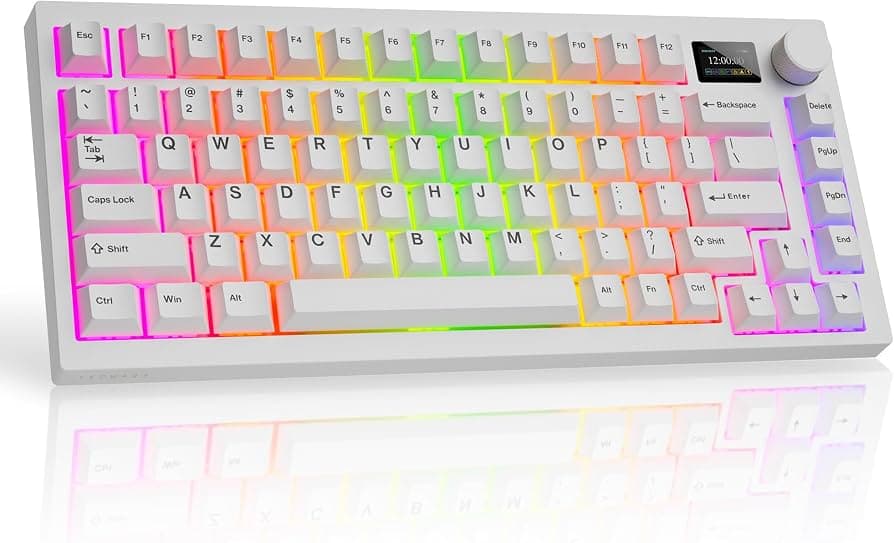
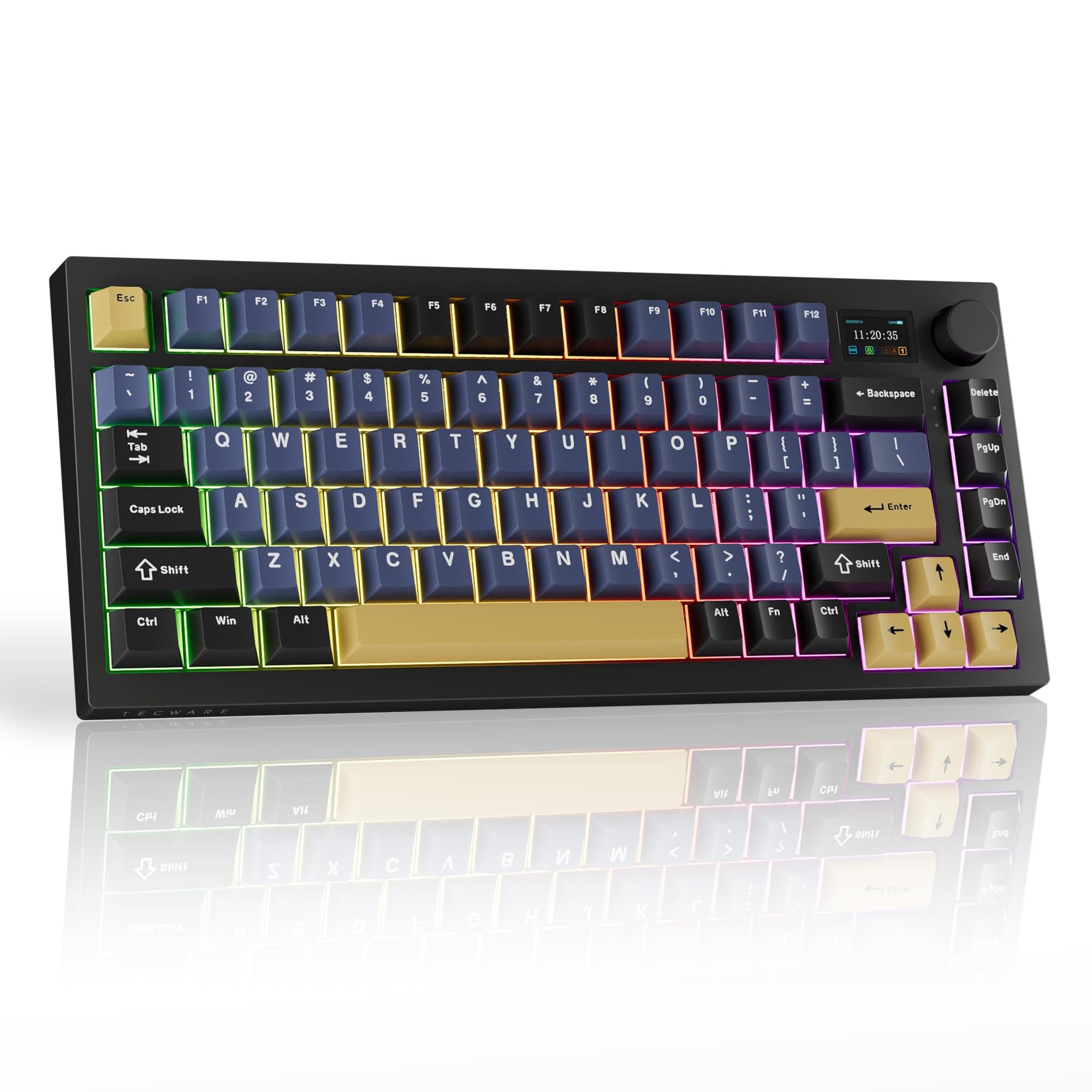
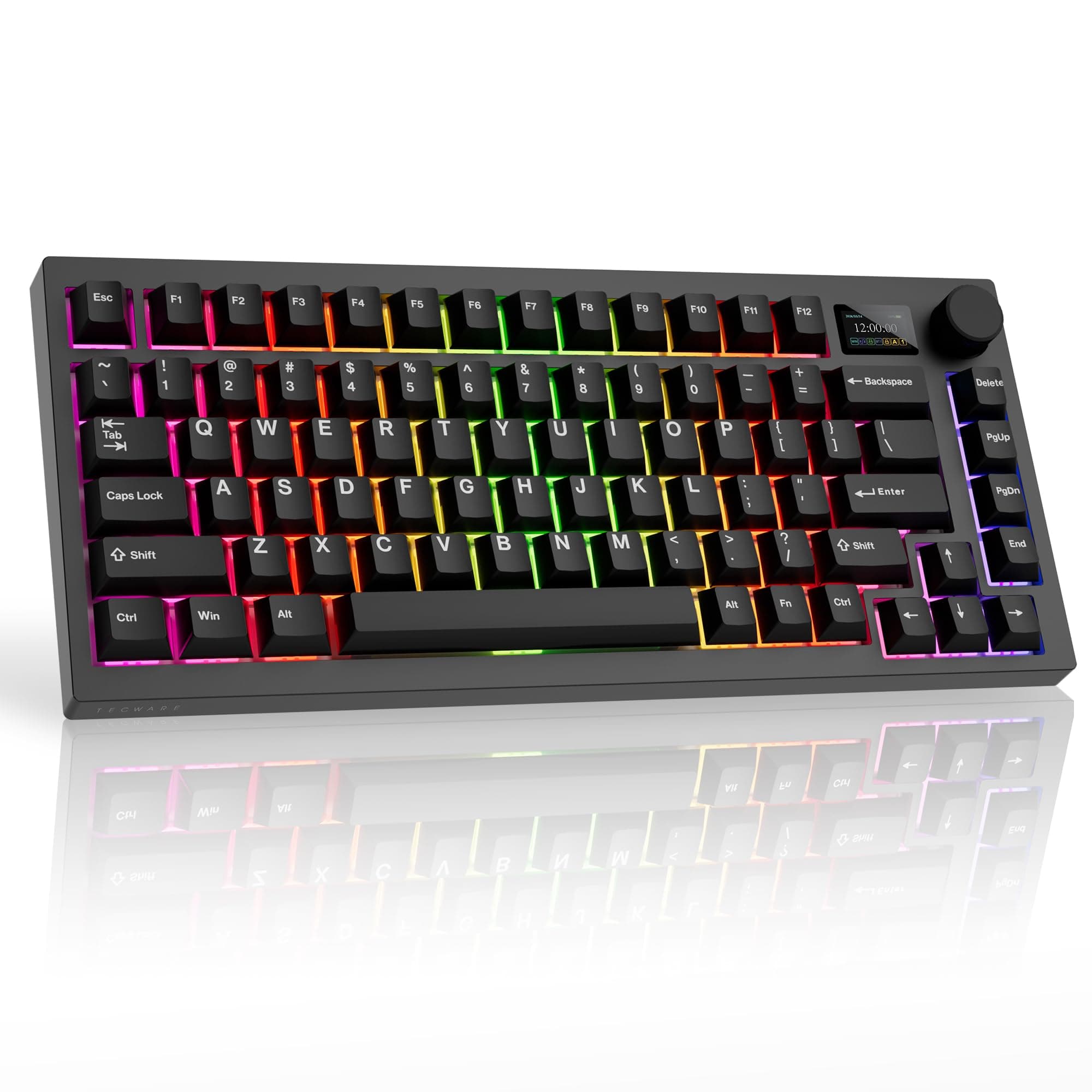
The downs: The Tecware Spectre 75 isn’t perfect. Its lackluster design, plasticky build, janky companion software, and limited stock switch choice leave a lot to be desired.
- Sound+1 pts
Lovely to type on: The Tecware Spectre 75 is a fantastic keyboard to type on, so it’s great for hardcore typists (like myself). The keyboard comes fitted with pre-lubed Cocoa Brown (tactile) or Candy Red (linear) mechanical switches. I tested the Candy Reds which require 45g of force to activate. They’re slightly heavier than the 35g Sea Salt linears in the Epomaker RT100 ($115) but even so, I’ve found the Candy Reds non-fatiguing to type on. I wrote this review and another on the Spectre 75! The Candy Reds feel smooth and responsive to type on. Combined with the double-shot PBT keycaps, the gasket mount, and several layers of foam padding, the Spectre 75 sounds lovely, too. It’s got a deep, creamy sound which isn’t too loud that it disturbs your coworkers, but it isn’t too quiet either, so you can appreciate it. Speaking of, the double-shot PBT keycaps feel soft to touch. By their nature, the PBT keycaps are more resistant to oil and wear and tear than their ABS counterparts. They don’t get shiny like the ones on the expensive Turtle Beach Command Series KB5 ($149) either. As soon as I unboxed the Spectre 75, I took a typing test at 10fastfingers.com (as I always do). Straight out
- Responsiveness & Key Reliability+1 pts
I didn’t notice any latency issues or input lag.
- Build, Keycaps & Support-1 pts
The plastic case feels slightly flimsy, and there’s some flex when you twist the Spectre 75 by its sides.
- Design, Lighting & Controls-1 pts
The downs: The Tecware Spectre 75 isn’t perfect. Its lackluster design, plasticky build, janky companion software, and limited stock switch choice leave a lot to be desired.