- Installation & Door Fit0 pts
In all, I’d say it took me about 30 minutes to get everything set up.
- App & Smart Home0 pts
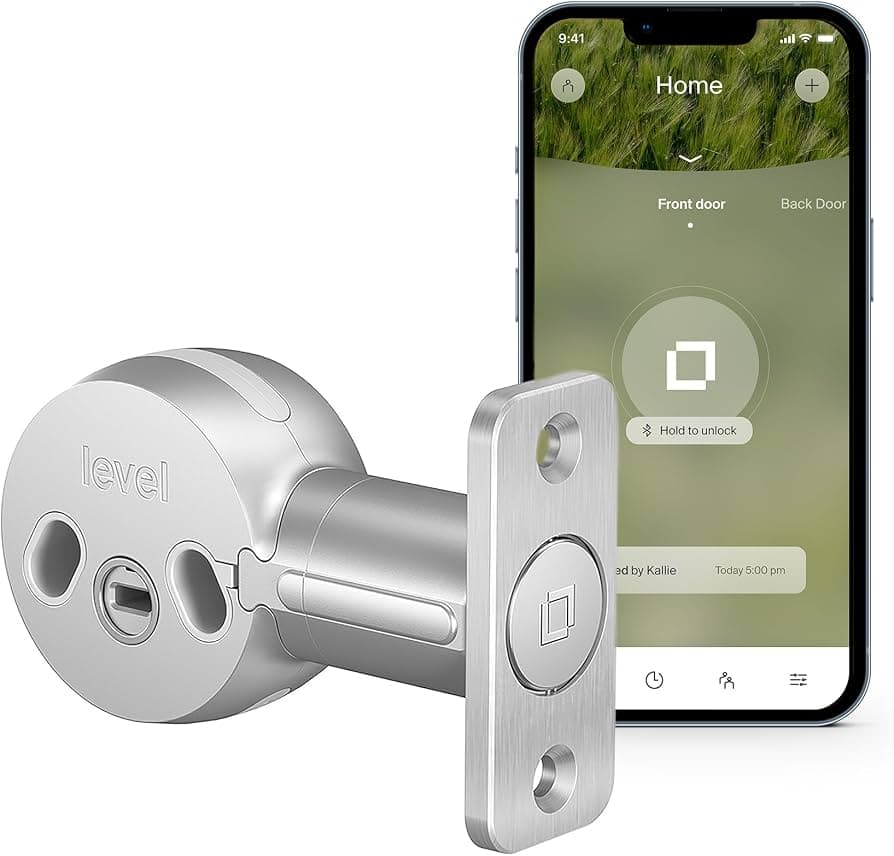
The home screen of the Level Bolt app is pretty basic.
- Battery & Power+1 pts
Level Bolt: Installation: Putting the Level Bolt in my door proved to be a little more finicky than installation has been with other smart locks, as I had to remove not just the deadbolt, but the plates on both the door and the door jamb. Next, I had to insert the bolt, and the center section of the Level Bolt inside the cutout in the door, and then align it all with both halves of my deadbolt, before screwing everything tight. After making sure the door closed and locked properly, I then inserted the Level Bolt’s battery (a CR2, which should last up to a year) into the bolt. That means that the bolt itself is hollow, which is a potential safety concern. Still, the lock has an ANSI-1 rating, meaning its bolt can withstand, among other things, two blows of 148 foot-pounds of force, and 5 minutes of a bolt saw. After installing, the Level Bolt chirped to let me know it was working. I then connected it to the Level Bolt app (via Bluetooth) and to HomeKit by scanning a QR code. In all, I’d say it took me about 30 minutes to get everything set up. If you’d rather a professional help, Level provides an installation service for $79.
- Security & Auto-Lock0 pts
the lock can’t sense, nor can it tell you, if your door is open or closed.
- Design & Build+1 pts
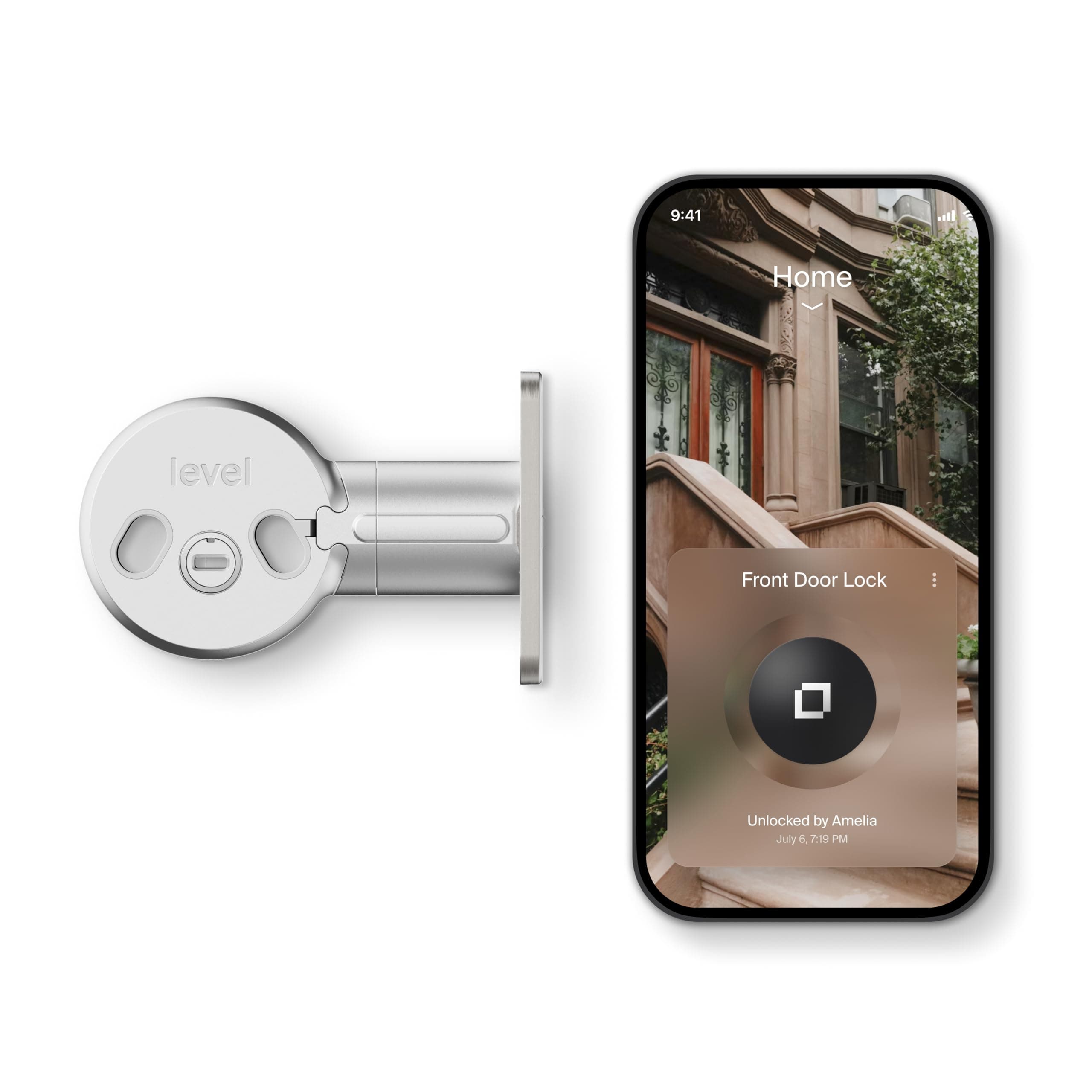
The components of the Level Bolt go inside your deadbolt, so no one would ever know if you had a smart lock at all.
- Reliability & Support+1 pts
It moved the bolt smoothly in and out with a single press of the button on my phone.