- Print Quality+5 pts
ensuring stable and accurate prints especially for taller models
- Setup & Ease of Use+5 pts
3D printers it's ease of assembly



Released Aug 2023
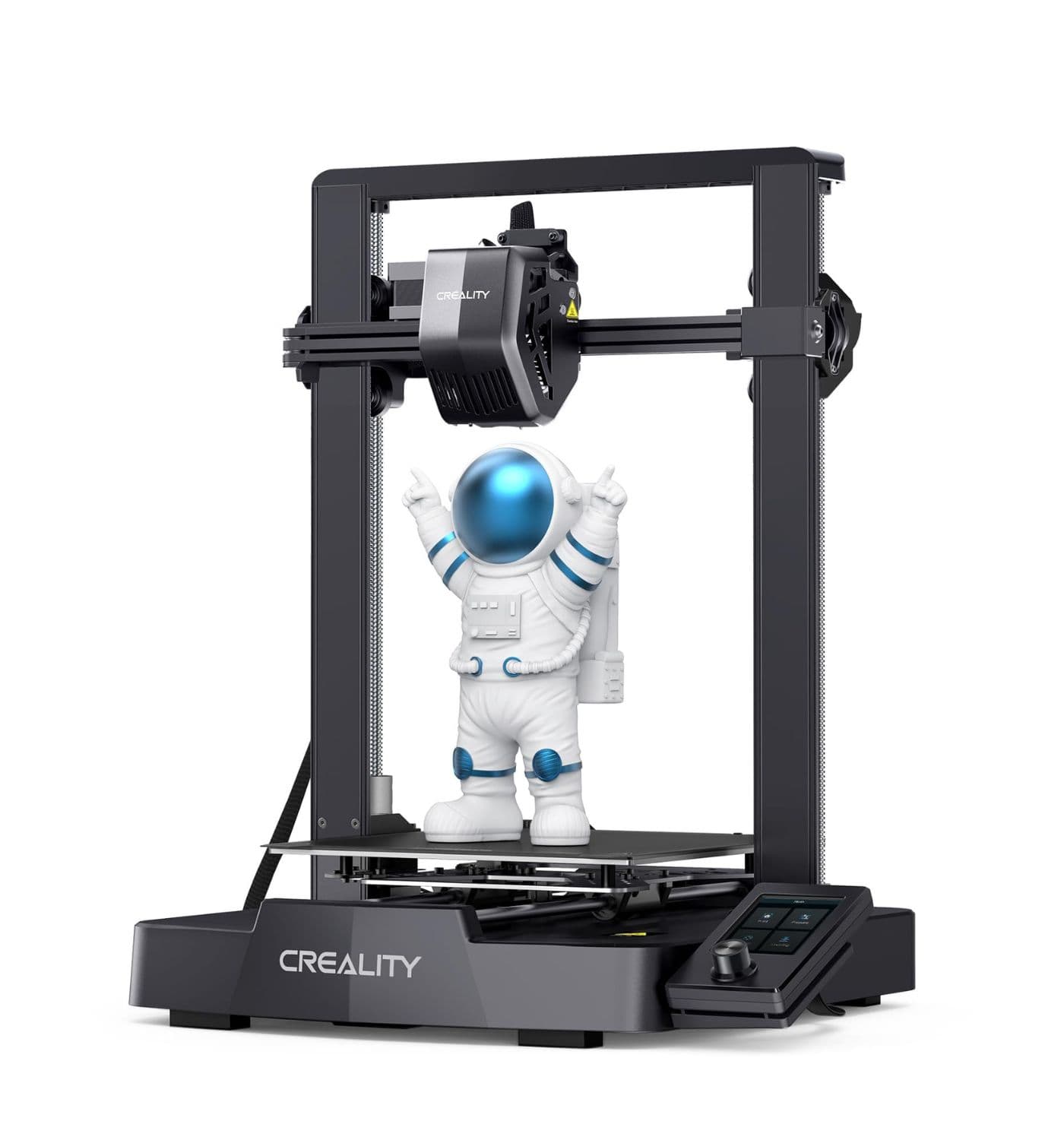
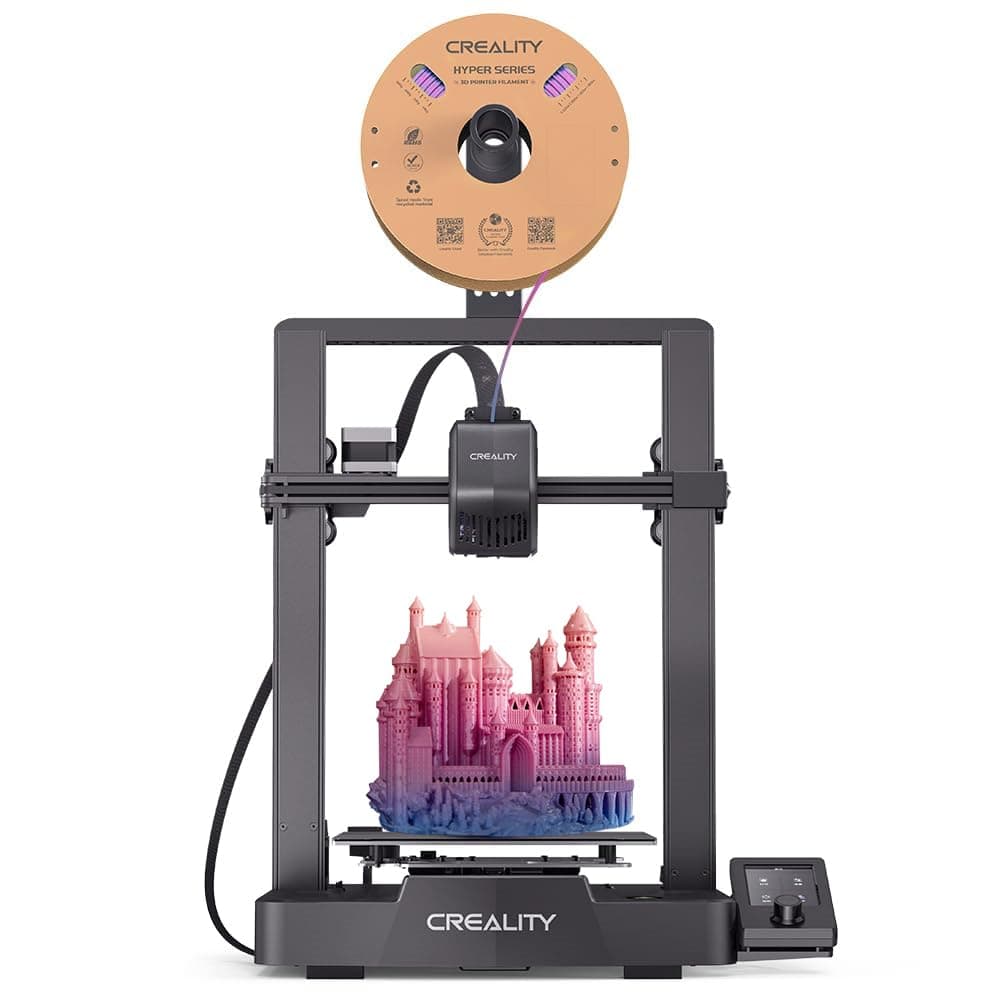
The Creality Ender-3 V3 SE is a high-speed, entry-level 3D printer with 250mm/s max speed, CR Touch auto bed leveling, and a direct drive extruder, offering easy assembly and reliable print quality.
Pick a topic to see the quotes behind it. Topic points add up to the Ranking Net Score.
Total +42 pts
Honest Review Ng Ender 3 V3 Se 3d Printer After 1
I've also run into some issues like bed leveling, nozzle clogs, and filament problems
I've also run into some issues like bed leveling, nozzle clogs, and filament problems
The Ender 3 V3 SE is worth it for beginners or even those with zero 3D printing knowledge. Cheapest plug n play so perfect for learning 3D printing
3d Printer Hang Z Offset Freeze Screen With No
Hey everyone! I could use some assistance with my Ender 3 V3 SE. Here's what went down: I relocated my printer to a different room. Upon powering it on, the screen got stuck/frozen on the Z offset screen without showing any error whatsoever. After a while, I began to think the X axis stepper motor might be the culprit. I cautiously took the X axis stepper motor off the printer with an L shaped Allen key. Once it was off, I attempted to spin the motor shaft manually with my hands and fingers, but it was super stiff and wouldn't turn smoothly. So I grabbed pliers to force it and rotate the shaft — right then I heard a "TUKK" noise. Following that, the motor shaft began spinning without resistance. I put the motor back on the printer and powered it up — to my surprise, the display got past the Z offset screen without issue and auto bed leveling finished like normal! Now the problem: When I move the printhead by hand along the X axis — at one particular spot it feels like a speed bump. Like a tiny bump or drag only at that exact location. While printing, though, it's currently operating okay. Stuff I've already inspected: ✅ Belt tension — seems okay ✅ Every cable connection — solid ✅ Any physical harm — can't see anything ✅ Printer is functioning right now during prints Things I want to know: :Why did the display get stuck at the Z offset screen? :Did I mess up the motor inside with that TUKK noise? :What's making the bump at that one spot on the X axis? :Do I need to grease the X axis rod? :Is it time to swap out the motor? About my printer: :Printer: Creality Ender 3 V3 SE :Where: India :Skill level: Newbie Thanks for any guidance! Appreciate it! 🙏
Creality Ender3 V3 Se Fan Upgrade Replace 20mm
It quiets down the unit considerably. The PSU is by far the most annoying sound after the hotend.
Creality Ender3 V3 Se Fan Upgrade Replace 20mm
the default fan is annoying and I will definitely want to upgrade it soon!
Beginner Looking For Advice Creality Ender 3 V3
Quality is comparable at default settings.
if you want speed go for the SE.
As I run both printers, and have lots of hours on both I can say they are both very easy to use out of the box.
Creality Ender3 V3 Se Fan Upgrade Replace 20mm
the hotend fan on my E3 V3 SE just unexpectedly started making a loud whining sound
Creality Ender3 V3 Se Fan Upgrade Replace 20mm
The stock 20mm Hot End Fan is pretty damn loud.
Tap a topic to read its quotes. Topic points add up to the Ranking Net Score.