Laser Engraver Rankings

Best Laser Engravers, Ranked

Sources linked

Last updated

9 laser engravers, ranked by public review evidence and BettaScore votes. Filter and sort the full list; we show only the specs and evidence we have on record.

Filter & sort

9 matching products

  1. No. 1

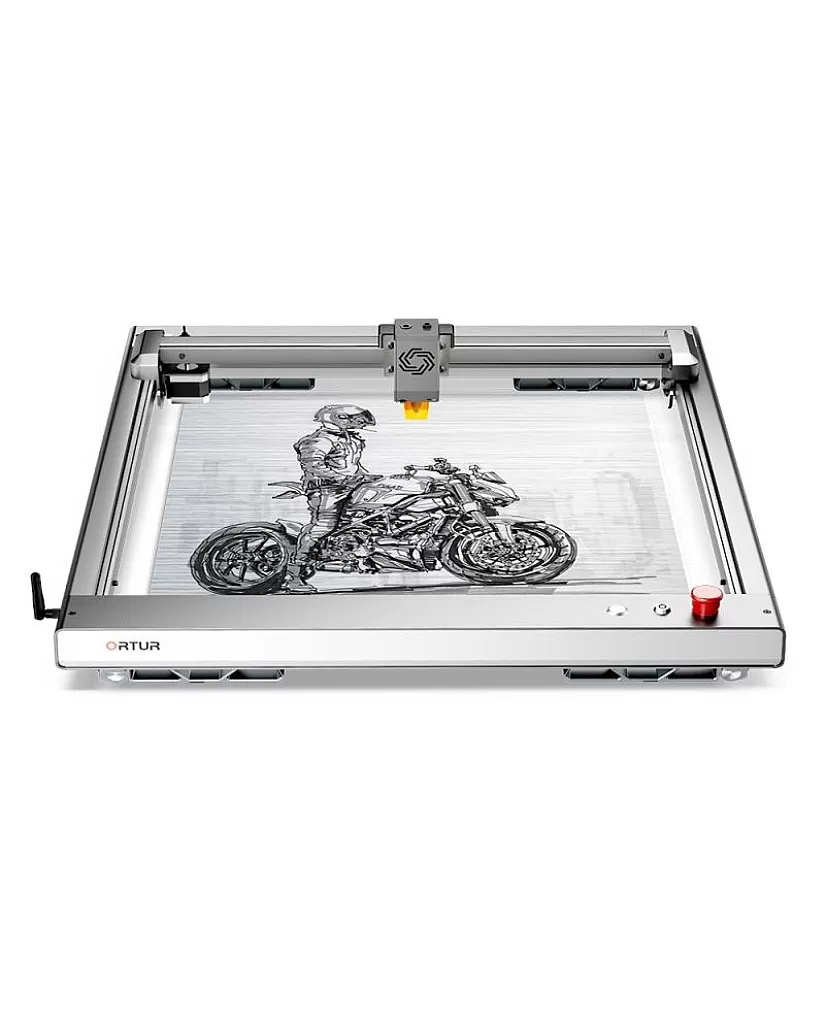
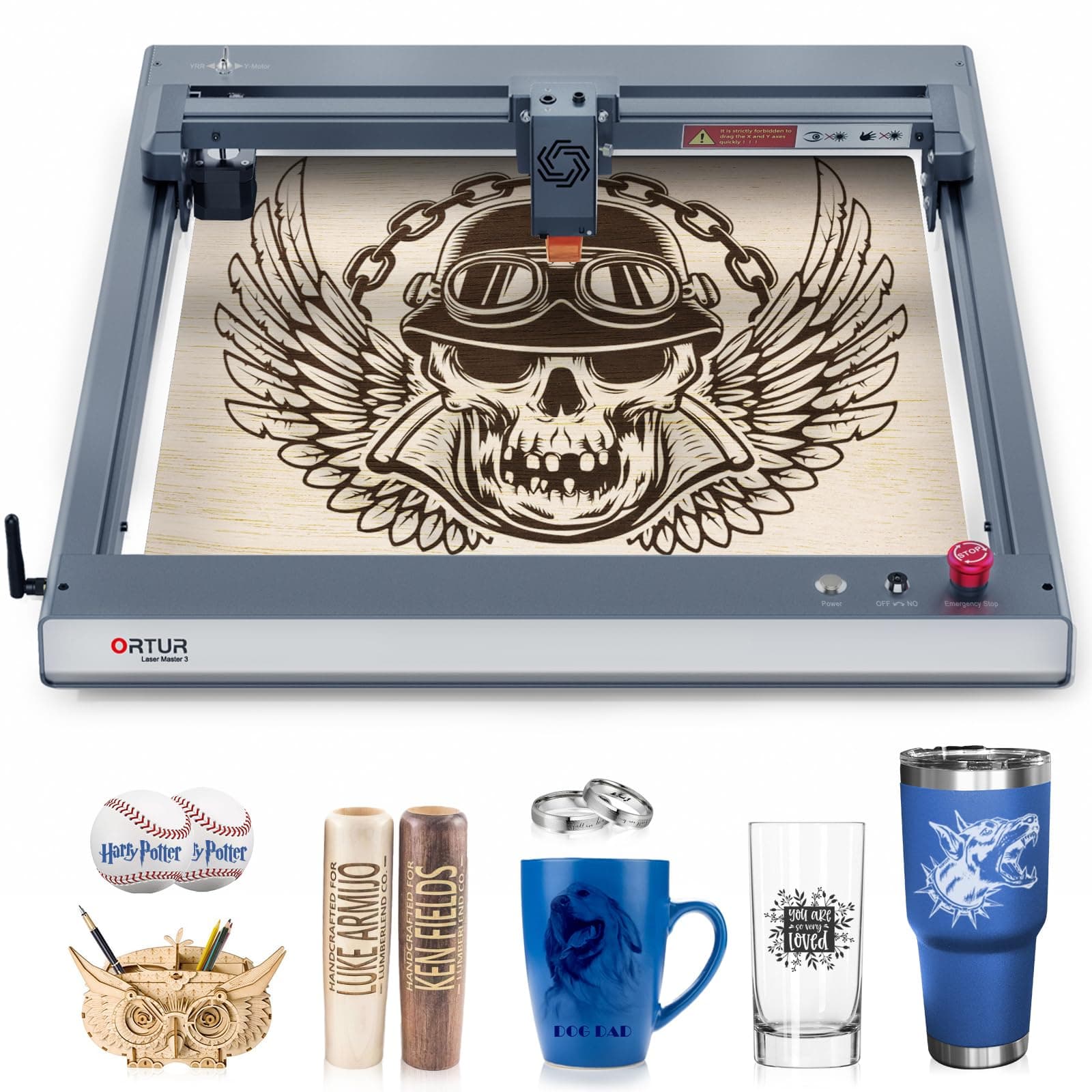
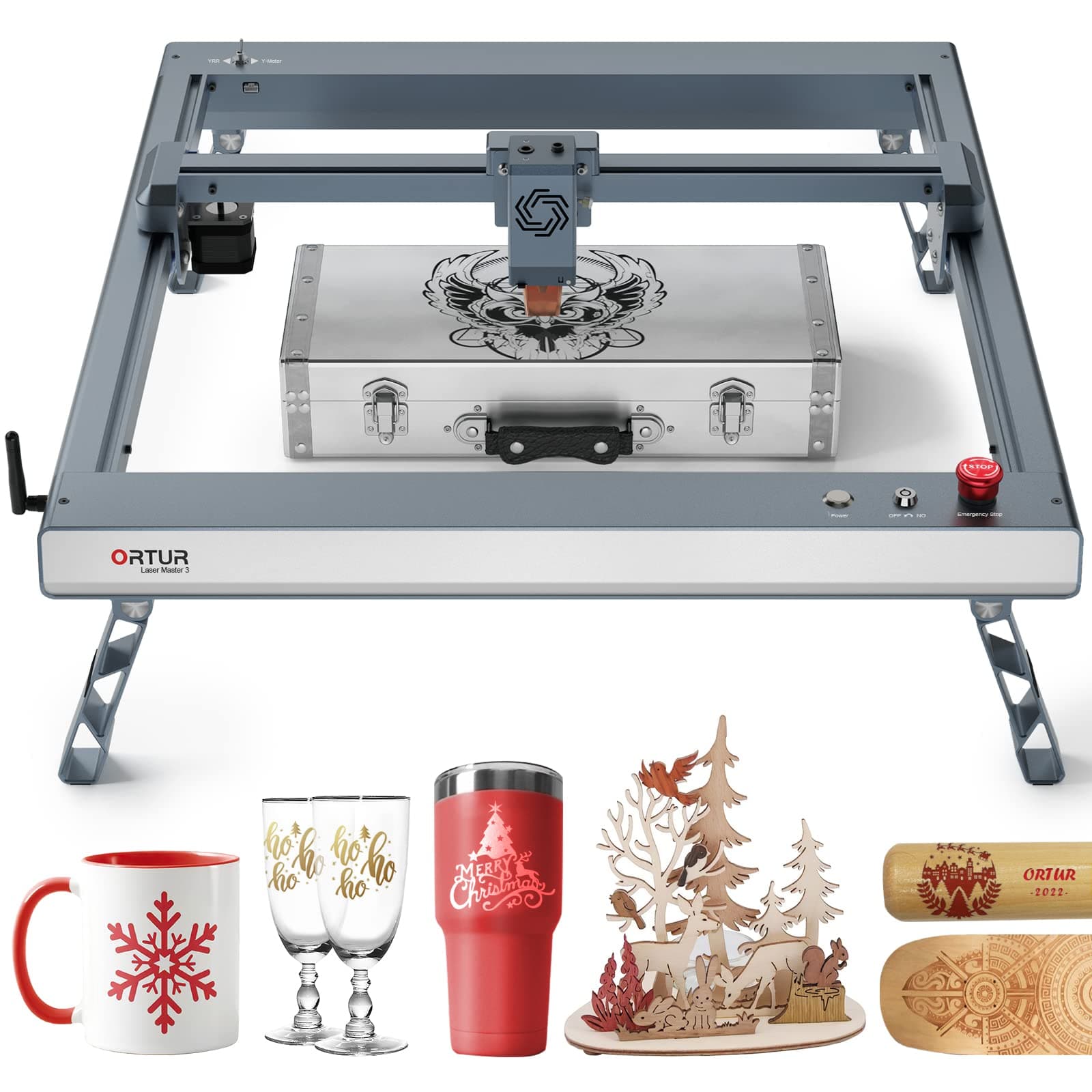
    ORTUR Laser Master 3

    Priced at$1,399.99

    12 sources · 3 topics

    +60Ranking net score+60 from reviews and discussions0 from votes on BettaScore
    12 sources
    Why it ranks
    Captures fine detail in image engravings and works well on leather, and runs over USB-C or Wi-Fi from LightBurn or the free LaserGRBL. Its air assist may not help cuts go deeper, since the air can exit in the wrong place.
    What people praise
    • Frame assembles one way and stays square
    • Engraves leather with fine detail
    • Can run jobs from an iPhone or iPad
    Common complaints
    • Air assist may not help cuts go deeper

    Select to learn more

  2. No. 2

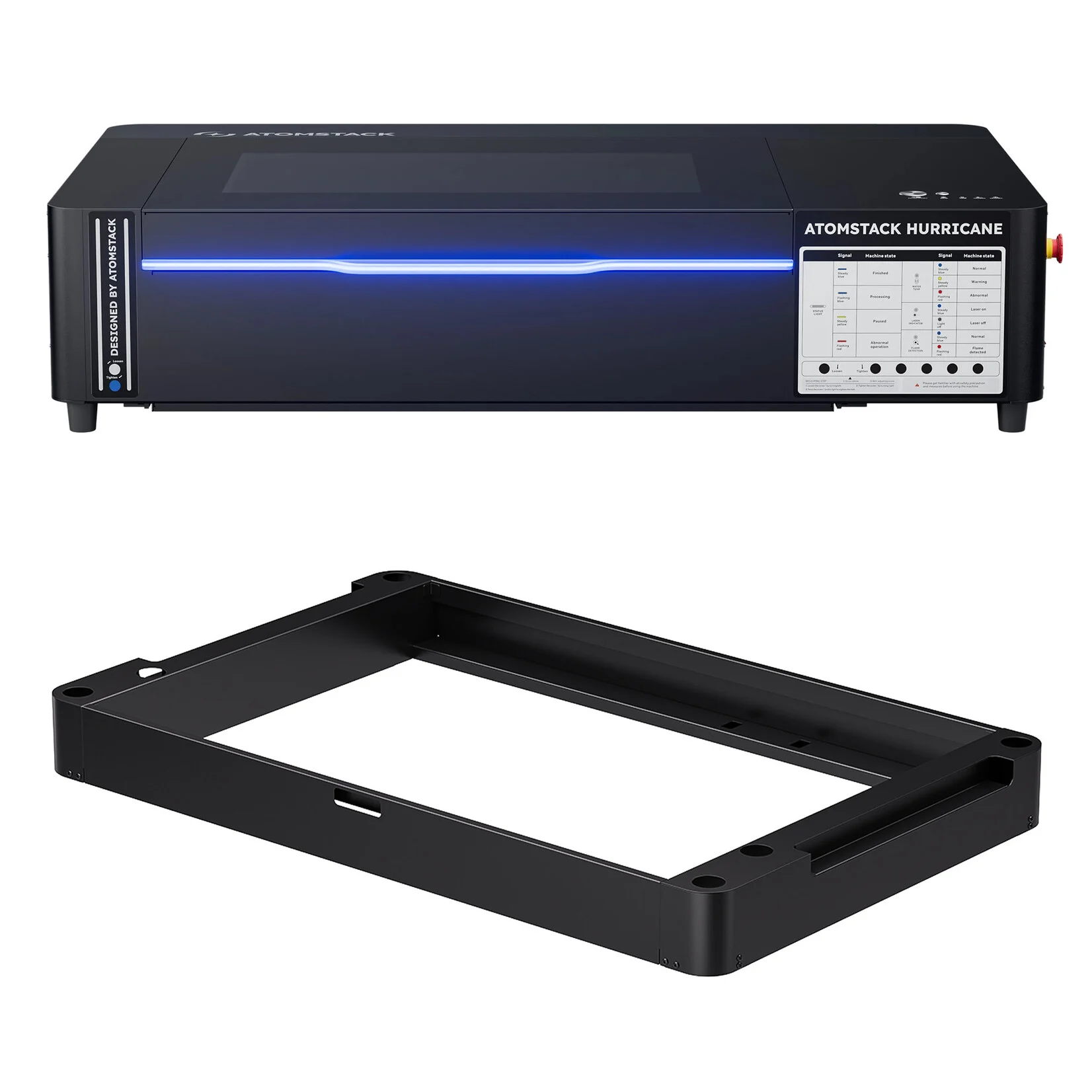
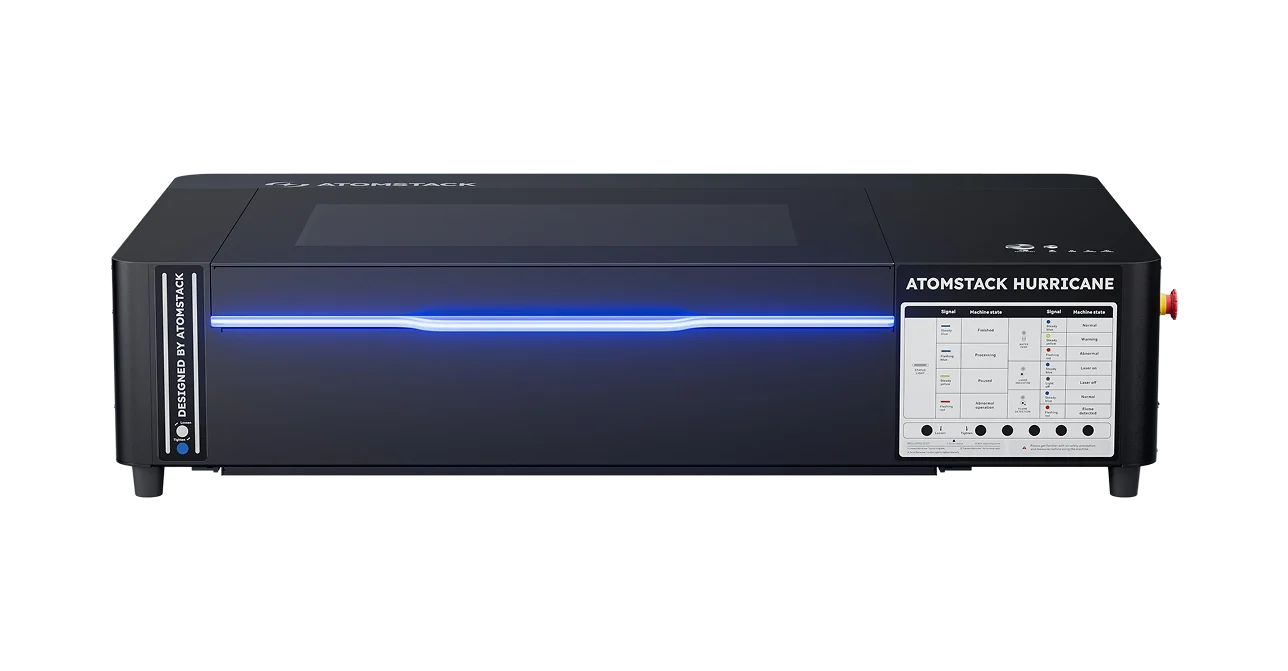
    ATOMSTACK Hurricane

    Priced at$2,929

    18 sources · 5 topics

    +46Ranking net score+46 from reviews and discussions0 from votes on BettaScore
    18 sources
    Why it ranks
    Cuts and engraves fine detail inside a fully enclosed Class 1 body with lid interlocks and a key switch. Camera calibration and autofocus can misbehave, and some units may reboot mid-job or fail to start.
    What people praise
    • Solid build with easy belt adjustment
    • Three-layer air filter keeps smell down
    • Status screen shows errors at a glance
    Common complaints
    • Autofocus can press down and dent the material
    • Support replies can be hit or miss

    Select to learn more

  3. No. 3

    WECREAT Lumos

    Priced at$940

    13 sources · 3 topics

    +44Ranking net score+44 from reviews and discussions0 from votes on BettaScore
    13 sources
    Why it ranks
    Crisp, fast engraving on slate, leather, wood photos and metal tags comes from an enclosed body small enough to carry to craft shows. Setup guides and support are thin, and long jobs can take a while to finish.
    What people praise
    • Deep, dark marks on metal dog tags
    • Small and light, with a carry handle
    • Keeps performing well over time
    Common complaints
    • Few setup guides and basic support
    • Some engravings come out too faint

    Select to learn more

  4. No. 4

    ATOMSTACK Atelier

    Priced at$580

    8 sources · 4 topics

    +43Ranking net score+43 from reviews and discussions0 from votes on BettaScore
    8 sources
    Why it ranks
    Class 1 safety lets it go to trade shows, and a light, portable frame with simple laser-dot manual focusing suits beginners. The frame may feel less rigid than hoped, and a settings slip in Atomstack Studio can change job speed.
    What people praise
    • Familiar control software that works without issues
    • Laser-dot focusing is simple to use
    • Good value for beginners
    Common complaints
    • Studio settings can slow jobs unexpectedly

    Select to learn more

  5. XTOOL M1
    No. 5

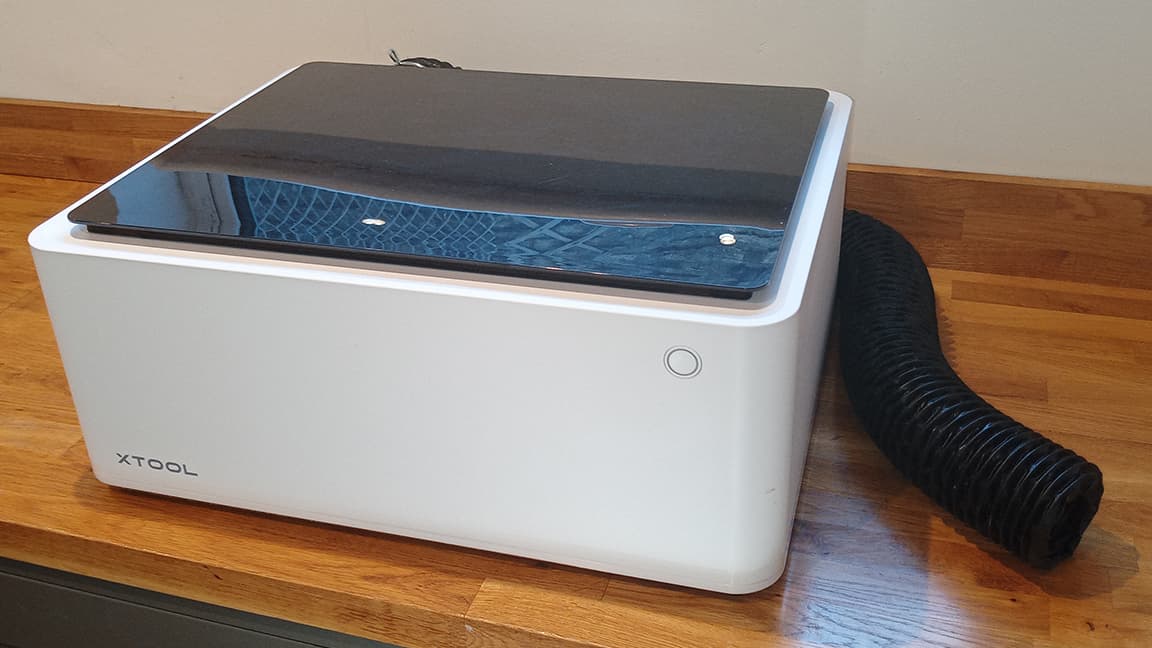
    XTOOL M1

    Priced at$1,026.76

    19 sources · 5 topics

    +38Ranking net score+38 from reviews and discussions0 from votes on BettaScore
    19 sources
    Why it ranks
    Beginner-friendly software and a magnetic cutting blade make it quick to start on layered craft pieces. Engraving can be slow and come out light, and only the maker's own software can run it.
    What people praise
    • Layered projects come out looking polished
    • Engraved text is clean and legible
    • Blade snaps in and out on a magnet
    Common complaints
    • Engraving can be slow on larger designs
    • Locked to the maker's own software

    Select to learn more

  6. No. 6

    ATOMSTACK P1 Laser Engraver

    Priced at$219

    27 sources · 5 topics

    +32Ranking net score+32 from reviews and discussions0 from votes on BettaScore
    27 sources
    Why it ranks
    Desk-friendly size makes it easy to move around, a removable USB safety key stops it running, and it can be engraving soon after unboxing. Weak diode power and jobs that stop midway or leave gaps are recurring problems, and the rear fan can be loud.
    What people praise
    • Plugs in and engraves within minutes
    • Removable safety key prevents unattended use
    • Small jobs finish in seconds
    Common complaints
    • Weak diode can lose power mid-cut
    • Jobs may stop midway or leave gaps

    Select to learn more

  7. ORTUR Laser Master 2 S2
    No. 7

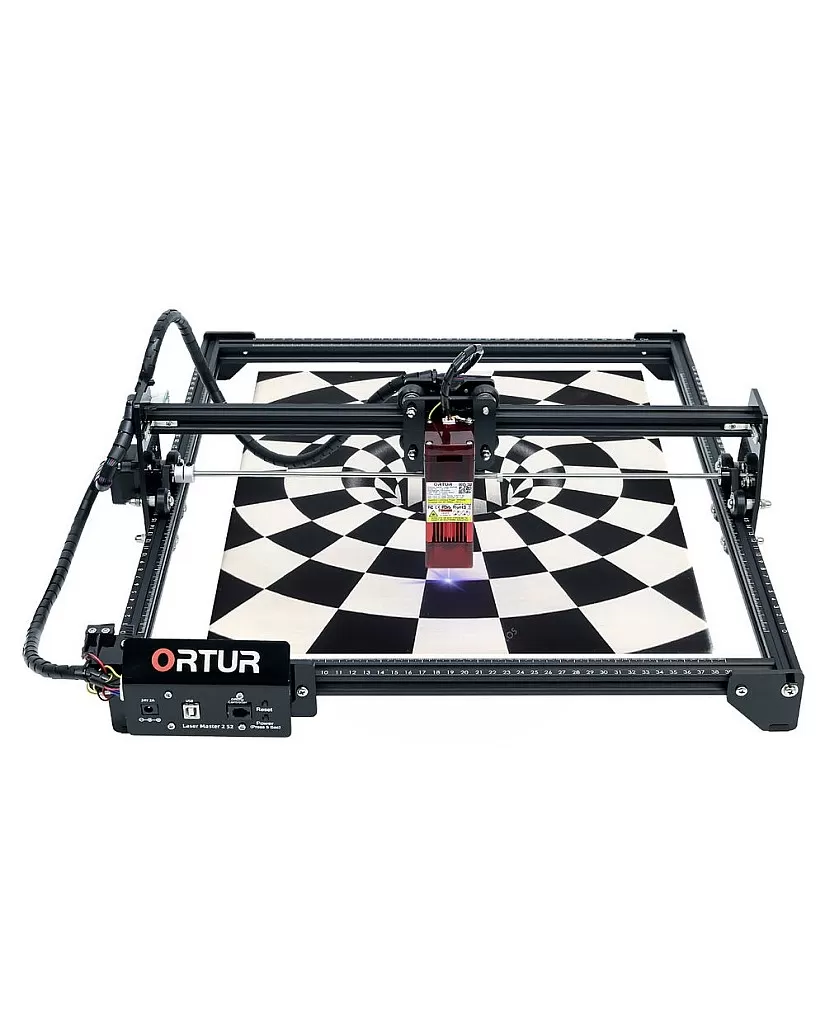
    ORTUR Laser Master 2 S2

    Priced at$199.99

    5 sources · 2 topics

    +12Ranking net score+12 from reviews and discussions0 from votes on BettaScore
    5 sources
    Why it ranks
    Assembly is straightforward, tidy cable management keeps wiring out of the way, and a wide range of add-on accessories can extend it. Movement can lock up and grind if a limit switch is miswired or blocked.
    What people praise
    • Assembly is not too difficult
    • Neat, well-routed cable management
    • Many add-on accessories available
    Common complaints
    • Carriage can lock up and grind

    Select to learn more

  8. No. 8

    ATOMSTACK A70 Max Laser Cutter

    Priced at$1,499

    7 sources · 2 topics

    +4Ranking net score+4 from reviews and discussions0 from votes on BettaScore
    7 sources
    Why it ranks
    Engraves clear, recognizable images, though air assist is mixed: it can keep high-power work free of burning, yet the stock compressor may leave burn marks. Cuts can drift off angle, and support may swap parts without fixing the problem or go quiet.
    What people praise
    • Engraved images come out clear
    • Air assist can stop burning at high power
    Common complaints
    • Cuts can drift off angle mid-job
    • Support may not respond or solve problems

    Select to learn more

  9. No. 9

    GLOWFORGE Pro

    Priced at$7,999

    24 sources · 5 topics

    -3Ranking net score-3 from reviews and discussions0 from votes on BettaScore
    24 sources
    Why it ranks
    Setup takes about half an hour and the browser software is simple enough to start without laser experience, with a pass-through slot for long pieces. It needs a steady internet connection, and repairs can mean shipping the whole machine back, since most parts are custom.
    What people praise
    • Camera view helps make the most of offcuts
    • Preview shows how a design will look
    • Pass-through slot is simple to use
    Common complaints
    • Can't import DXF files directly
    • No third-party replacement control board

    Select to learn more

How this list is ranked

Back to top
Who is eligible
Every laser engraver and laser cutter in our reviewed catalogue is included. The list opens on current models, those released in the last 2½ years (since Apr 2024); choose Include older models under Models to list them too. A product without a release date on record is always listed.
How they are ordered
By default, products are ordered by Ranking Net Score: points from reviews and discussions plus points from votes on BettaScore. Ties go to the product with more sources. Filtering or sorting renumbers the results from No. 1. Products without scored evidence stay Unranked and are not numbered.
Where the evidence comes from
133 public review sources across the matching products. Select a review topic on any card to see the quotes behind its points.
When it changes
The product list and review scores change only when we publish a reviewed update. Signed-in visitors can vote on each review topic (open a topic on a card): every vote adds or takes 0.1 points from that topic and from the Ranking Net Score straight away, and the order follows on the next page load. Votes are stored apart from review evidence, so they carry over between updates. Review evidence is from October 7, 2026.
Who pays for it
Nobody. BettaScore does not accept payment for placement. Each card shows review points and topic-vote points separately, even though their sum sets the default order.


What to look for in a laser engraver

Back to top

Start with the materials you will work: a diode laser engraves wood and leather and cuts thin stock, a CO2 laser cuts thicker wood and clear acrylic, and metal marking needs a fiber or infrared source.

Then compare what the evidence says about engraving and cutting results, speed, work area, the software, and safety features such as an enclosure, air assist and fume extraction. The Laser type filter, taken from each maker's specs, shows which machines use a diode and which a CO2 laser.

Questions to take to every card on this page

  • Does its laser type suit your materials?
  • Is the work area big enough for your projects?
  • Is it enclosed, or will you need eye protection and ventilation?
  • Does the software suit how you design?

Frequently asked questions

Back to top
What does this laser engraver list cover?
All reviewed laser engravers in our catalogue. Products with scored review evidence get a rank; the rest stay on the list, marked Unranked.
How is the default order calculated?
Ranking Net Score adds points from reviews and discussions to points from BettaScore votes, and each card shows both parts. A vote counts right away: it updates the card and can move the product in the list.
How do filters and sorting affect rank?
They apply to the whole list and renumber the results: scored matches start from No. 1, and products without scored review evidence stay Unranked. Filtering and sorting never change a product's review or vote points.
Why are some specifications missing?
BettaScore shows only the facts it has on record. An unknown value is not treated as No, and we never fill a missing specification or evidence section with a made-up claim.
Where does the Laser type filter come from?
From each maker's own product and spec pages, checked machine by machine, not from whether a review happened to mention it. A machine whose maker does not state its laser type is simply not listed under that option.